Ten hours total imaging time. M51 taken with the ZWO ASI071MC-Pro camera and the AT6RC scope.


The latest version of Astro Pixel Processor has been released.
Lots of support for Sony cameras has been added.
Improved Drizzle/Bayer Drizzle.
Lots of changes and improvements to
Image EXIF data,
console panel
progress monitors
Improved loading for frames
fixed some memory issues
dynamic distortion correction.
Improved star analysis
GUI frame panel scrolling
Head over to the APP website to get the latest version. Take a look at the full update notes here.

An update to my current favorite imaging platform has been released. In this release there’s a bunch of 3.0 fixes as well as a hand full of new features.
Fixes to the scheduler to cover some multi-object multi-night scheduling.
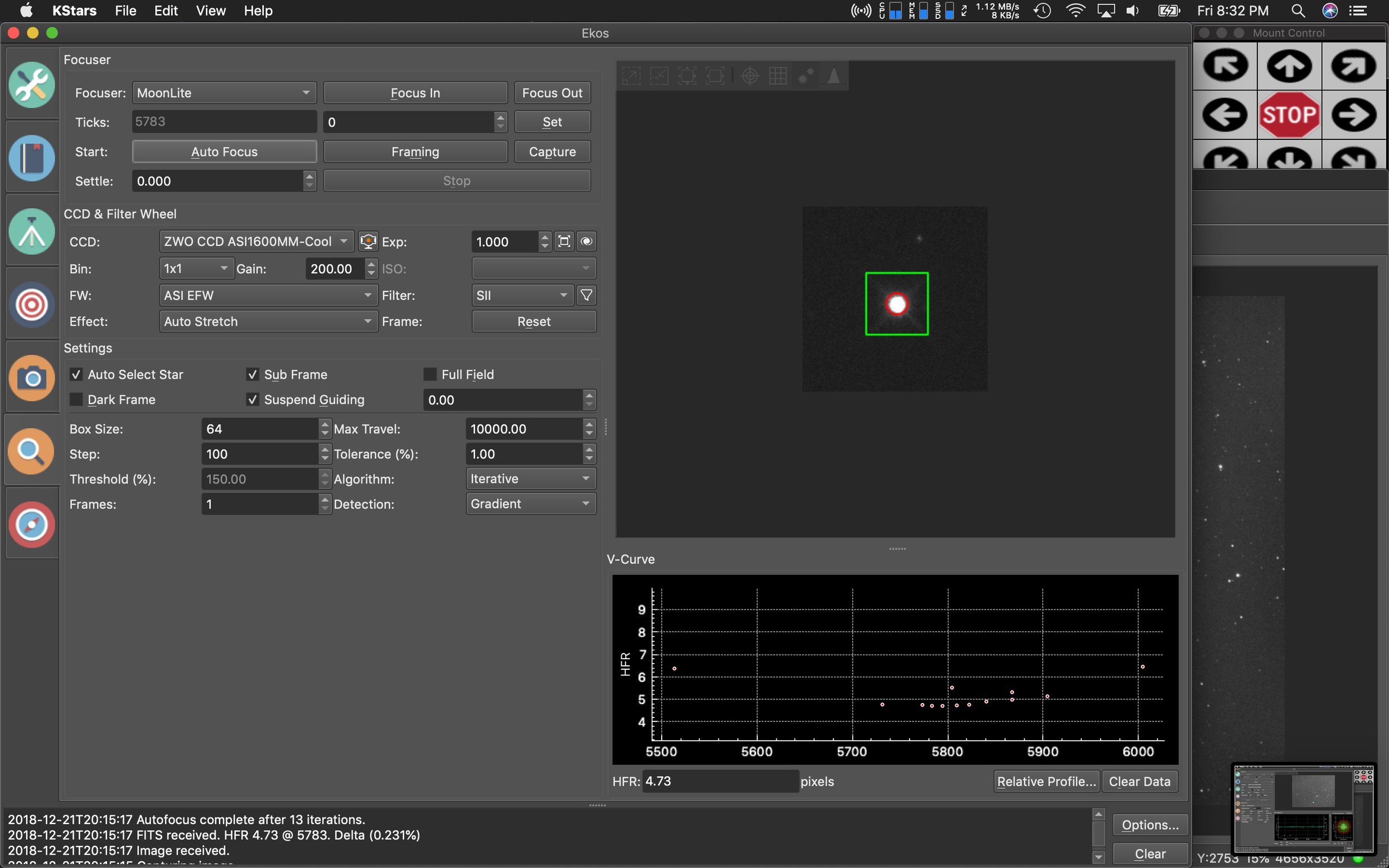
Ring-field focusing, an improvement to star selection methods for focusing.
Updates to the meridian flip code.
Huge updates to the official documentation.
Polar alignment routines for non-GOTO mounts.
Live view for DSLR’s so you can now focus easier.
A host of other random fixes and improvements.
Get the updated file at the Kstars download site.
Quick note for Mac users: there’s a bug with offline plate solving in this release, and is expected to be fixed soon.

I decided to revisit IC 417 but this time with a wider field of view. The image was previously taken with my AT6RC, and it focused primarily on IC 417. But this time I was able to frame it such that I also got the open cluster NGC 1907, as well as the smaller nebula below IC 417, NGC 1931. I’m really happy with how it turned out.
Imaging telescope or lens:Explore Scientific ED102 FCD-100 CF
Imaging camera:ZWO ASI1600MM-Cool
Mount:Celestron CGX
Guiding telescope or lens:Stellarvue F050G
Guiding camera:ZWO ASI290MM Mini
Focal reducer:Stellarvue SFFR102-2
Software:Kstars/Ekos, Astro Pixel Processor, PixInsight 1.8 Ripley
Accessories:Moonlite High res stepper motor and Mini-V2 controller, MoonLite CF 2" Focuser
Resolution: 4432x3235
Dates:Jan. 4, 2019, Jan. 5, 2019
Frames:
Astrodon Tru-Balance H-a 5nm: 125x180" (gain: 200.00) -15C bin 1x1
Astrodon Tru-Balance OIII 5nm: 112x180" (gain: 200.00) -15C bin 1x1
Astrodon Tru-Balance SII 5nm: 80x180" (gain: 200.00) -15C bin 1x1
Integration: 15.8 hours
Darks: ~50
Flats: ~50
Bias: ~50
Avg. Moon age: 28.56 days
Avg. Moon phase: 1.31%
Bortle Dark-Sky Scale: 6.00
Astrometry.net job: 2454319
RA center: 82.351 degrees
DEC center: 34.736 degrees
Pixel scale: 1.380 arcsec/pixel
Orientation: 92.987 degrees
Field radius: 1.051 degrees
Locations: Home Observatory, Pearland, Texas, United States
Data source: Backyard

IC410 imaged on the Explore Scientific 102mm FCD100 APO refractor.
Over the last two weeks, I’ve had 3 imaging nights. KStars & EKOS 3.0 were released which fixed a ton of long standing issues with the scheduler. In addition to that nice software update, I got a Celestron CGX for Christmas! So, those two things combined and I set my sights on the only northern region available to me from the back yard and imaged IC417 on my AT6RC, and IC410 on my Explore Scientific 102mm FCD100 scope.
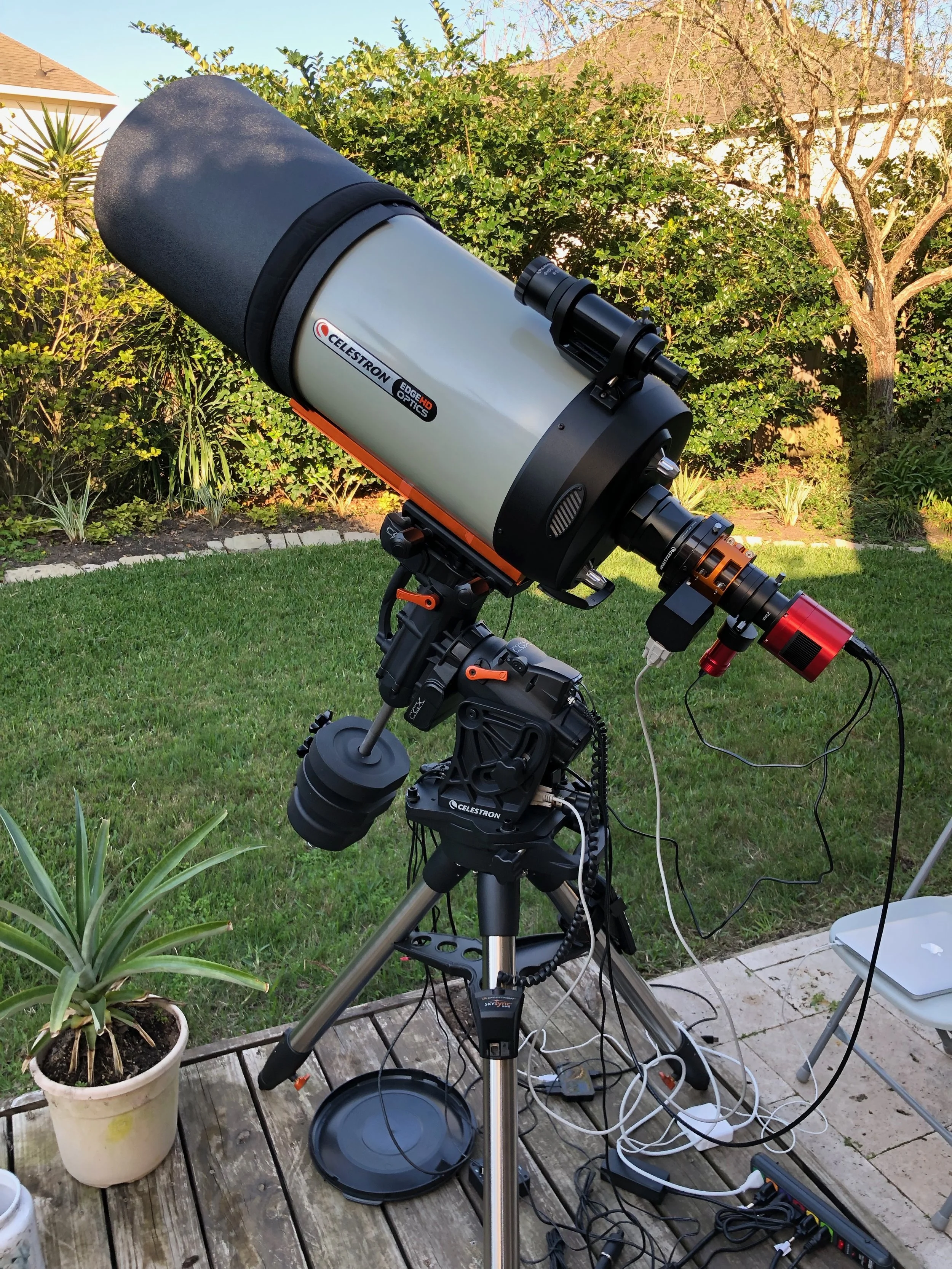
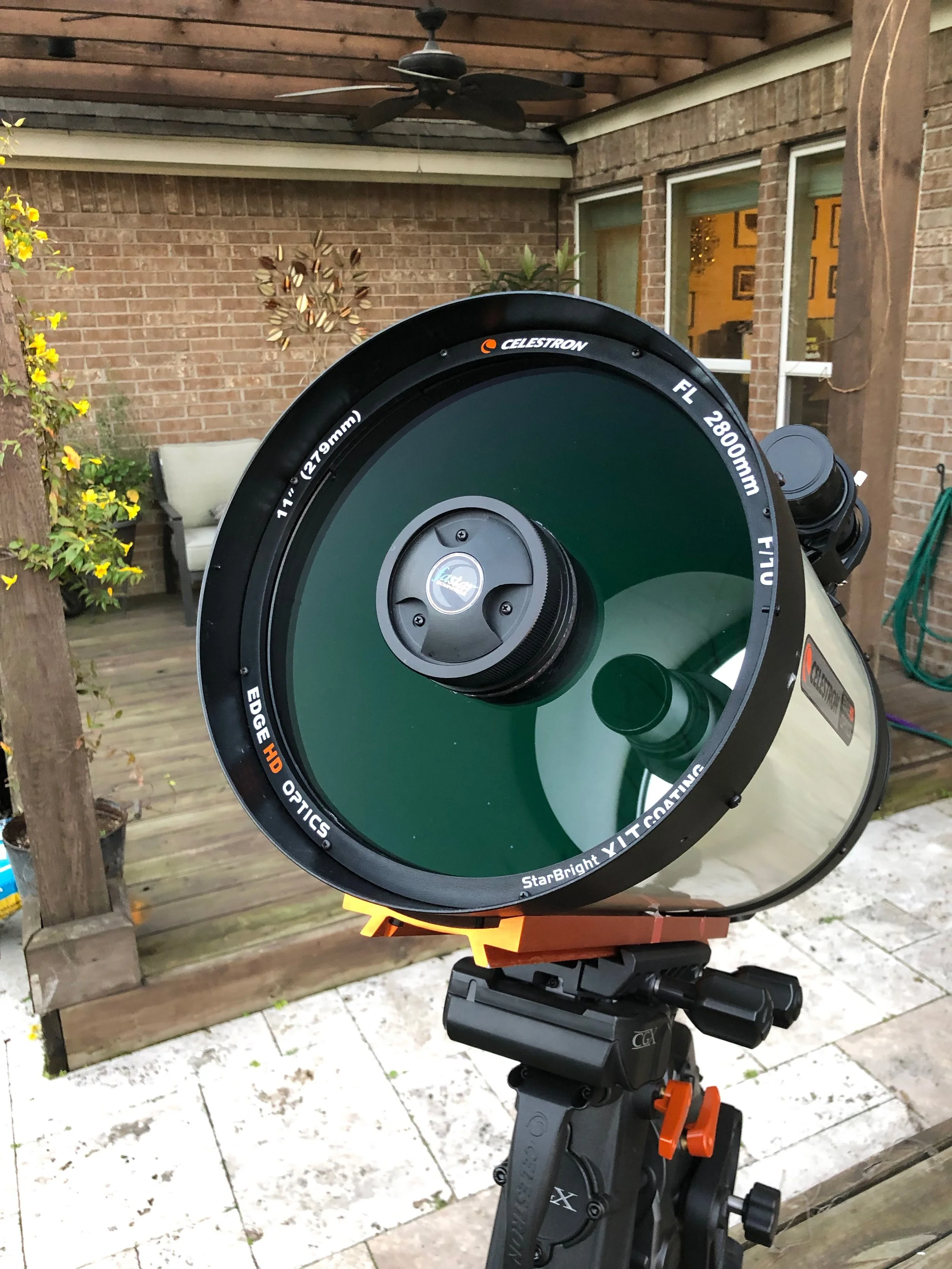
Here’s a recent photo of the setup.

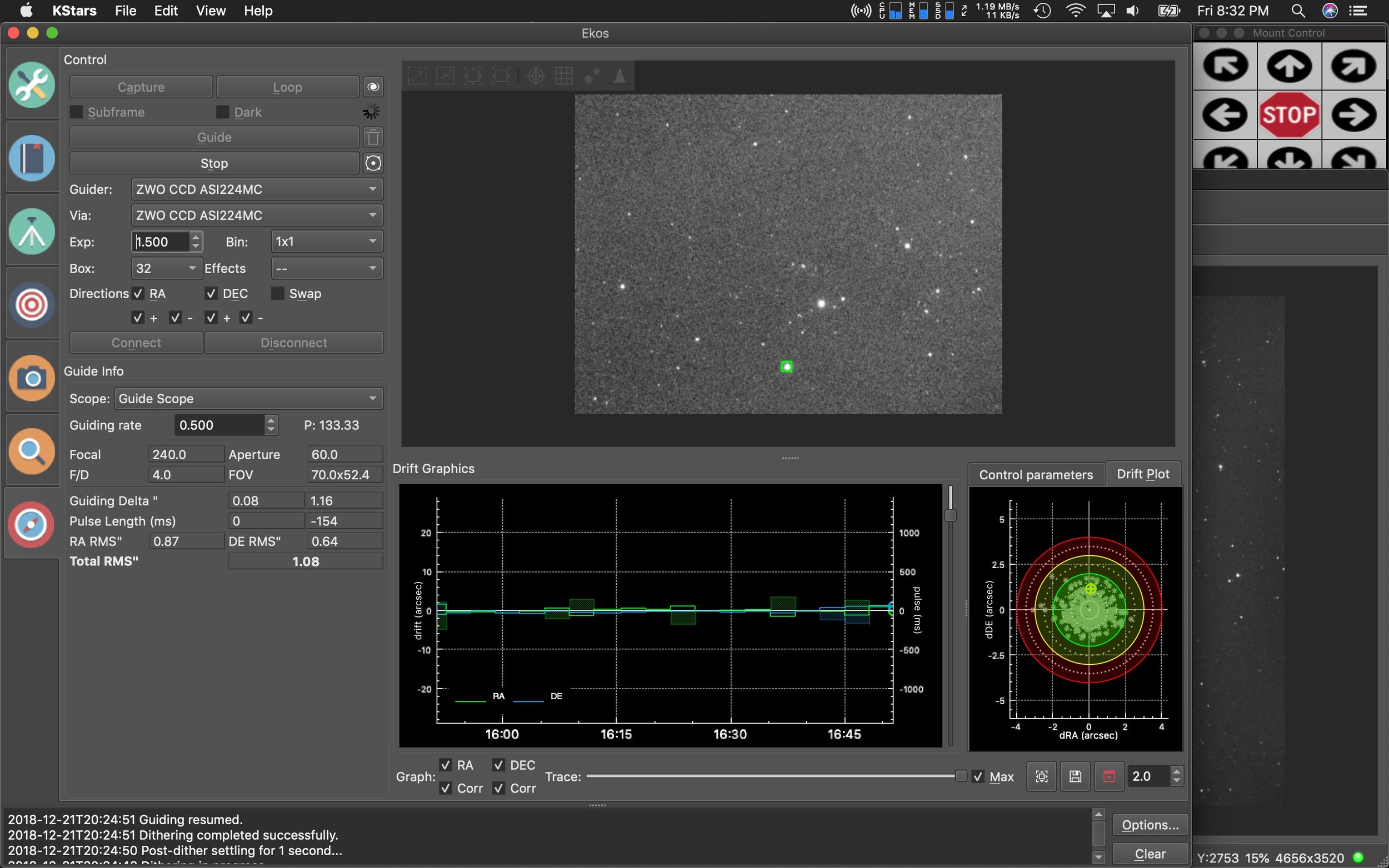
So far it’s worked great. Average RMS has been between .6 and .8. My AVX was hovering between .8 and 2.0 RMS. I think I can get the CGX tuned a little more in guiding to get those numbers even lower, but have not attempted any adjustments. These are the numbers I’ve been getting without changing any of the default guide settings.

IC 417 imaged on the AT6RC from Astro-tech.
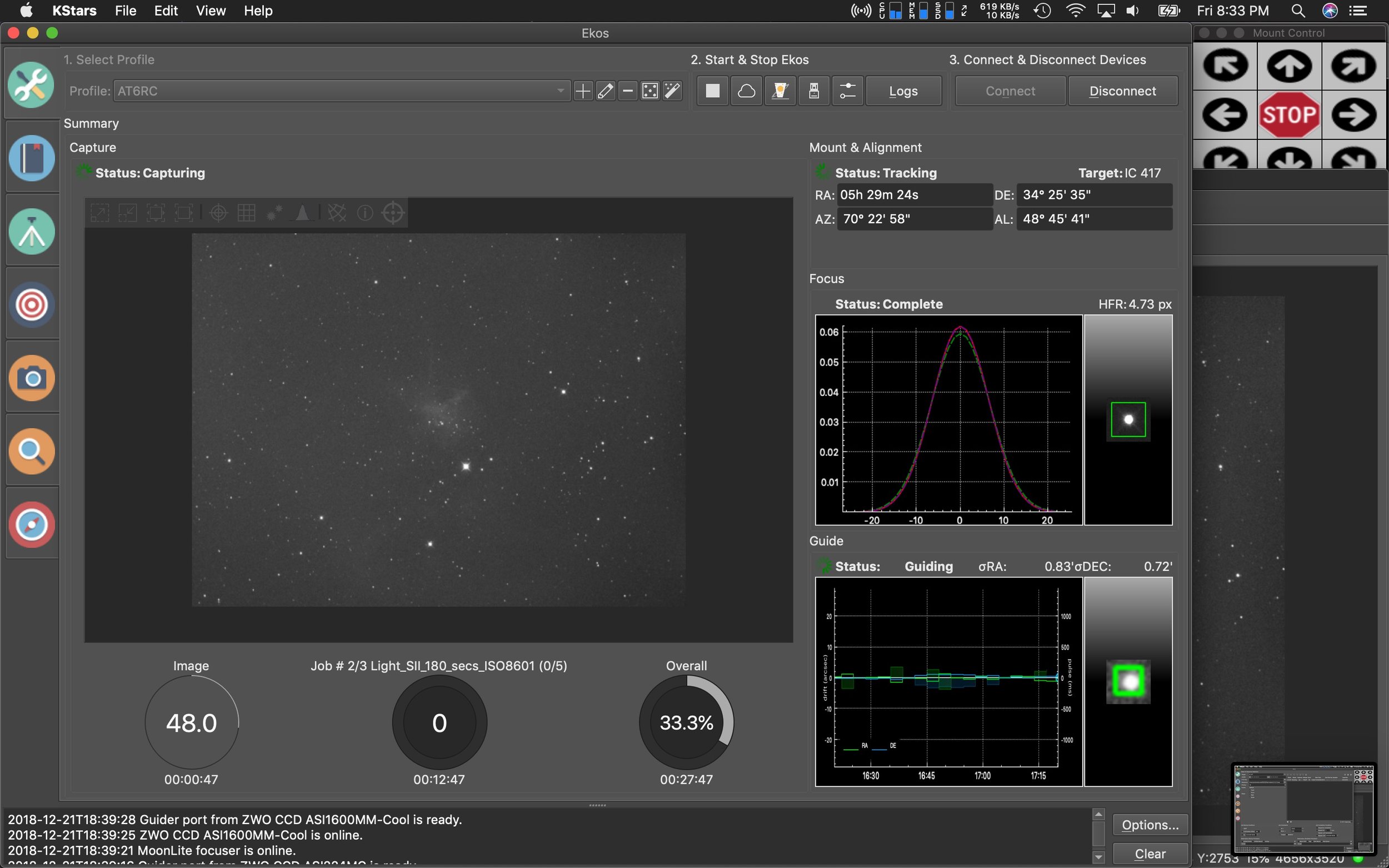
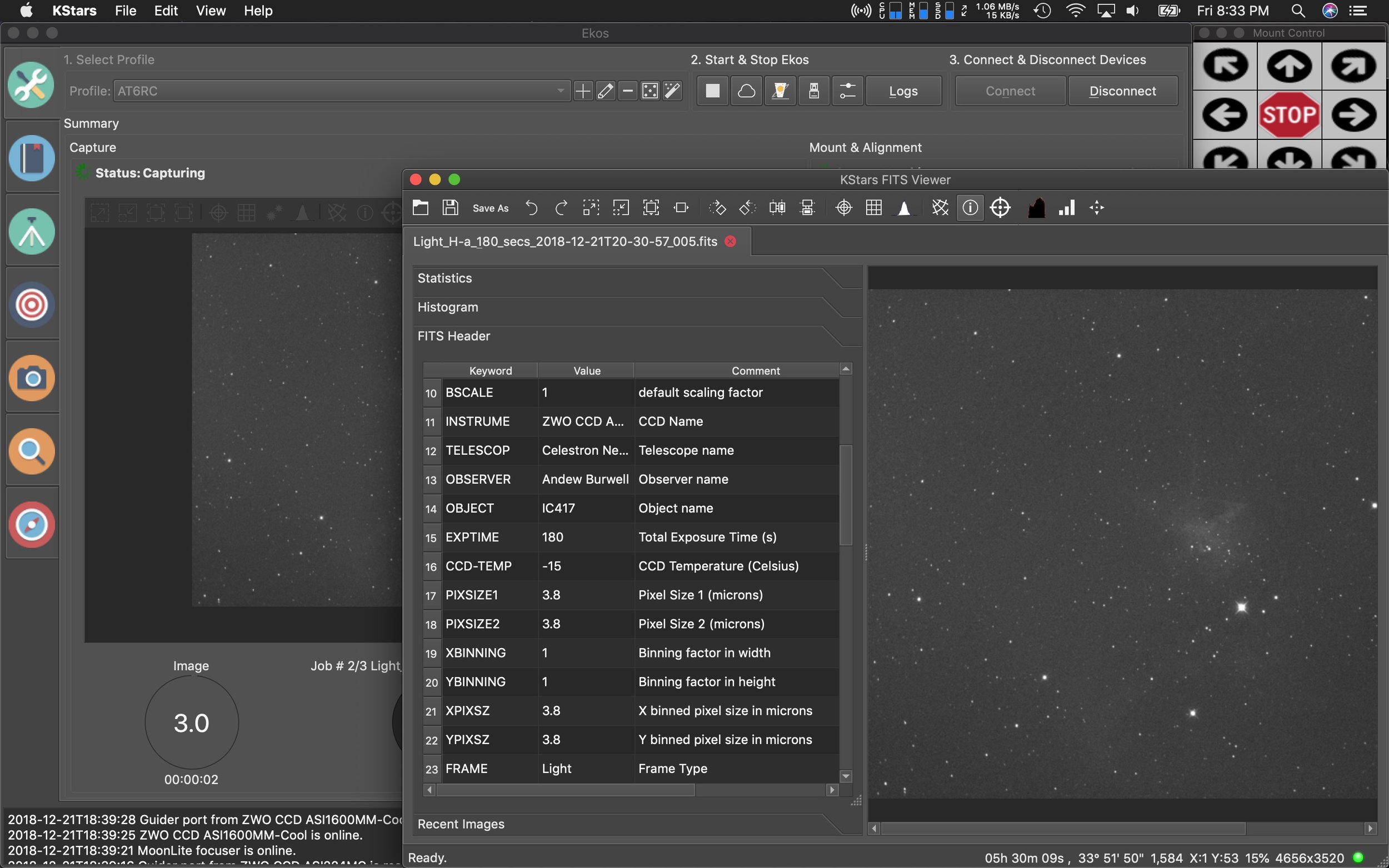
The team behind KStars and EKOS have been busy wrapping up a new version of their imaging software just in time for the holidays. There’s a lot of new features in this one.
The first major feature is the XPlanet solar system viewer developed by Robert Lancaster. It’s a significant upgrade over the built-in viewer.
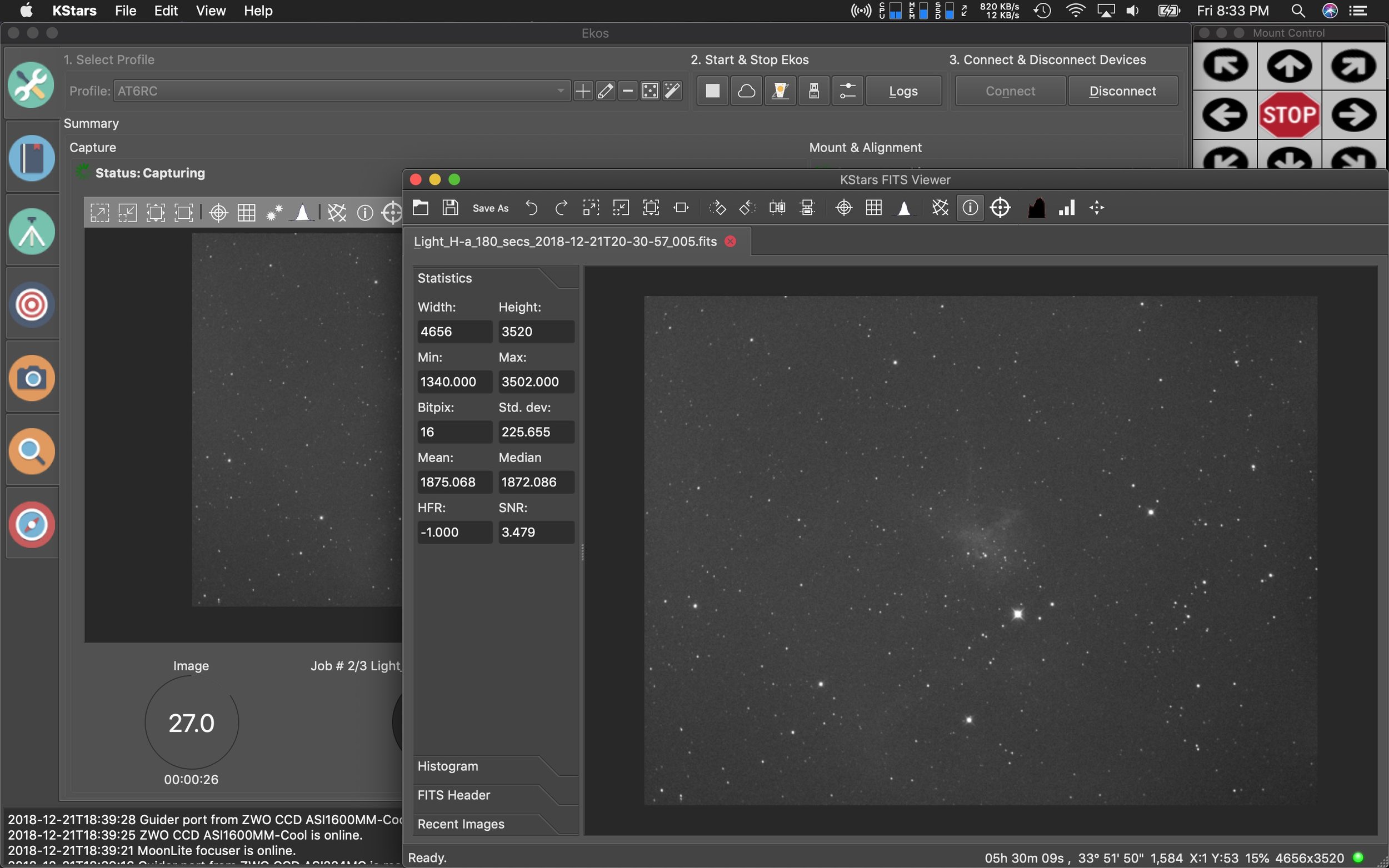
Robert also created a new interface for the FITS viewer which can how show you all the data of your images in a new side panel which features the FITS header info, Histogram, Statics, and recent images.

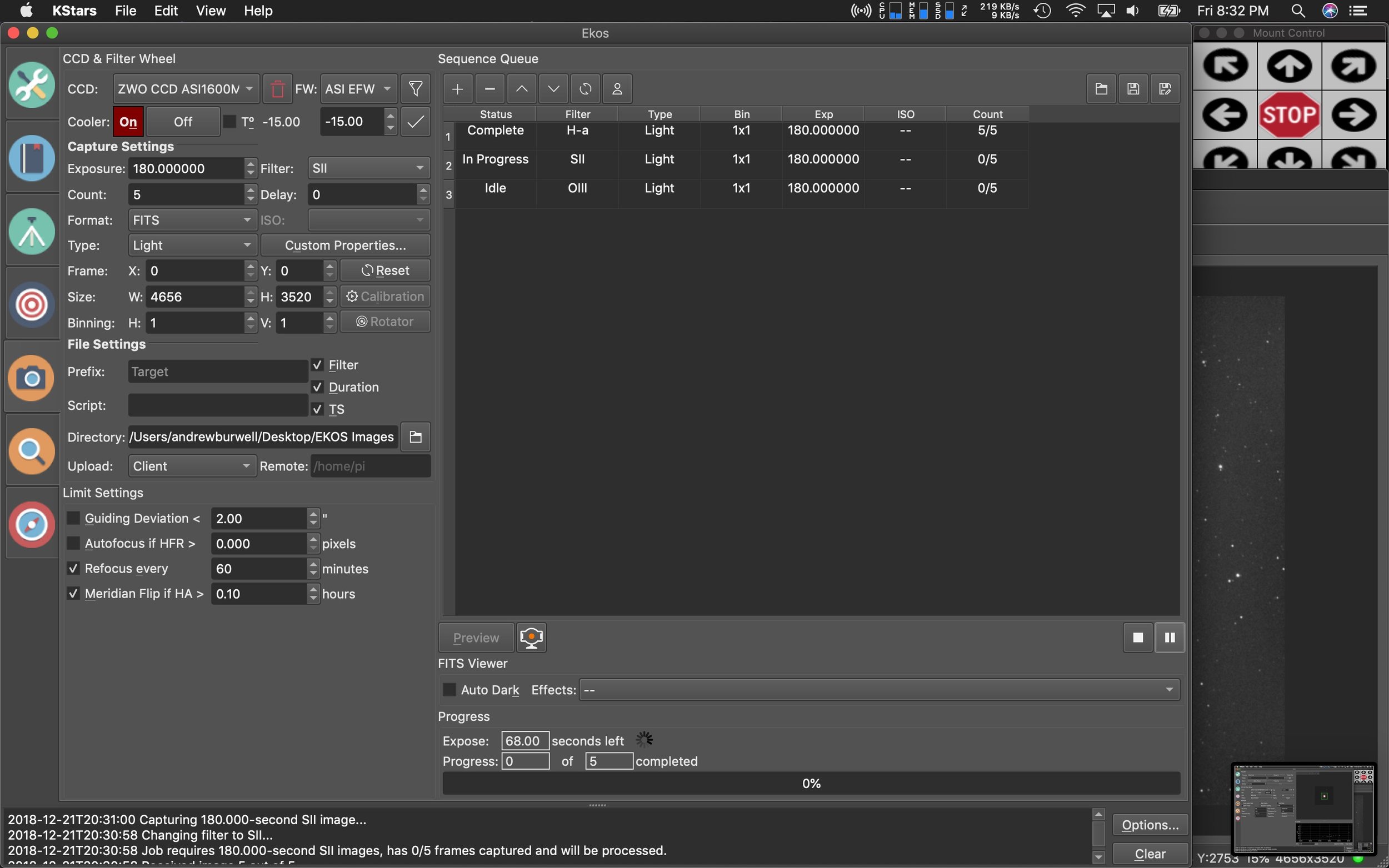
Additionally, Eric Dejouhanet dedicated time to a huge scheduler rewrite. The scheduler system previously allowed for scenarios where you could have conflicts in operations, but with the rewrite all this has been fixed and numerous improvements have been added:
Dark sky, which schedules a job to the next astronomical dusk/dawn interval.
Minimal altitude, which schedules a job up to 24 hours away to the next date and time its target is high enough in the sky.
Moon separation, combined with altitude constraint, which allows a job to schedule if its target is far enough from the Moon.
Fixed startup date and time, which schedules a job at a specific date and time.
Culmination offset, which schedules a job to start up to 24 hours away to the next date and time its target is at culmination, adjusted by an offset.
Amount of repetitions, eventually infinite, which allows a job imaging procedure to repeat multiple times or indefinitely.
Fixed completion date and time, which terminates a job at a specific date and time.

A few other enhancements are a new scripting and DBus system allow for 3rd party applications to take advantage/control of features with EKOS which will open up the system for more options down the road.
Other improvements and new features can be found on Jasem’s (lead developer) website.
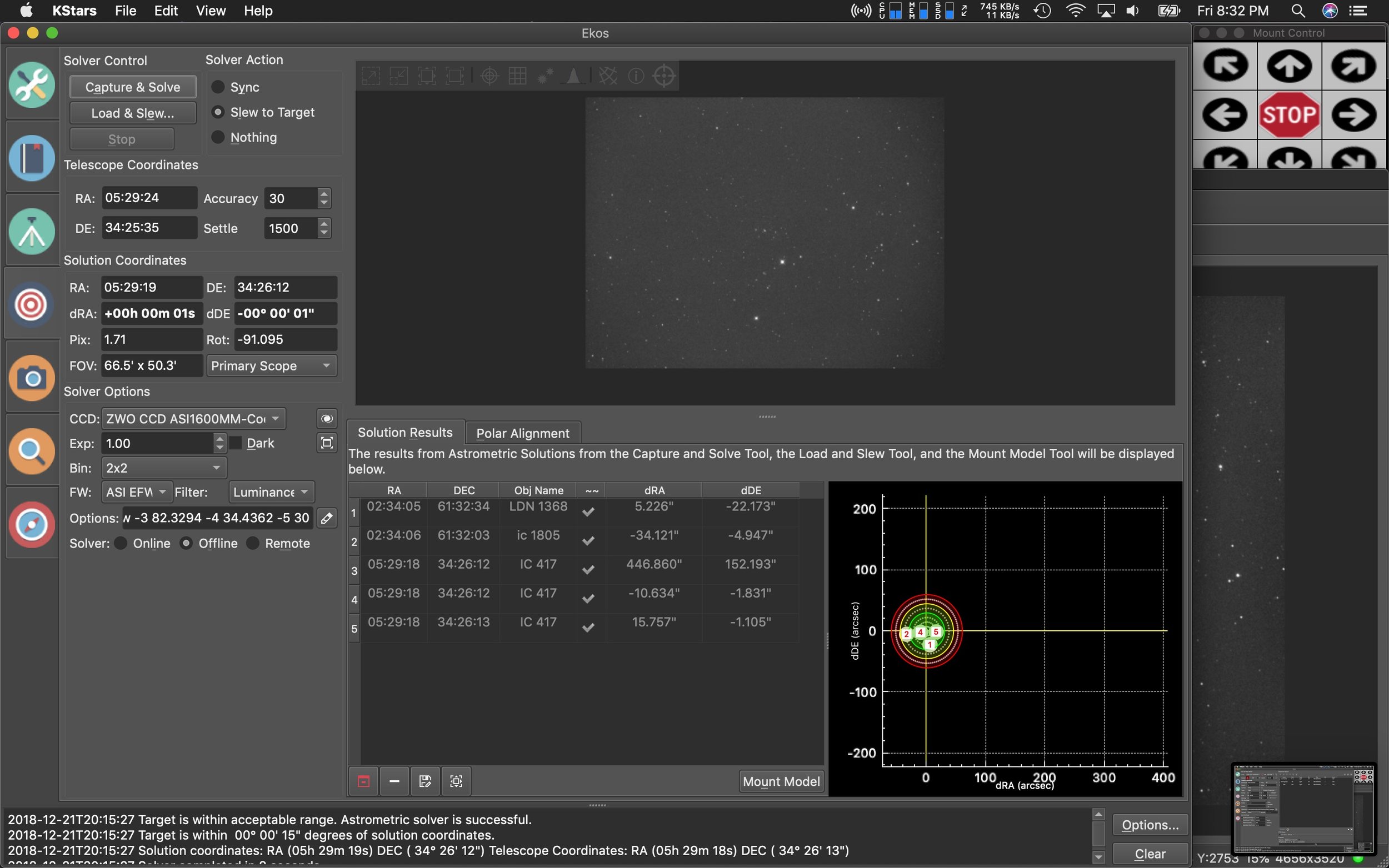
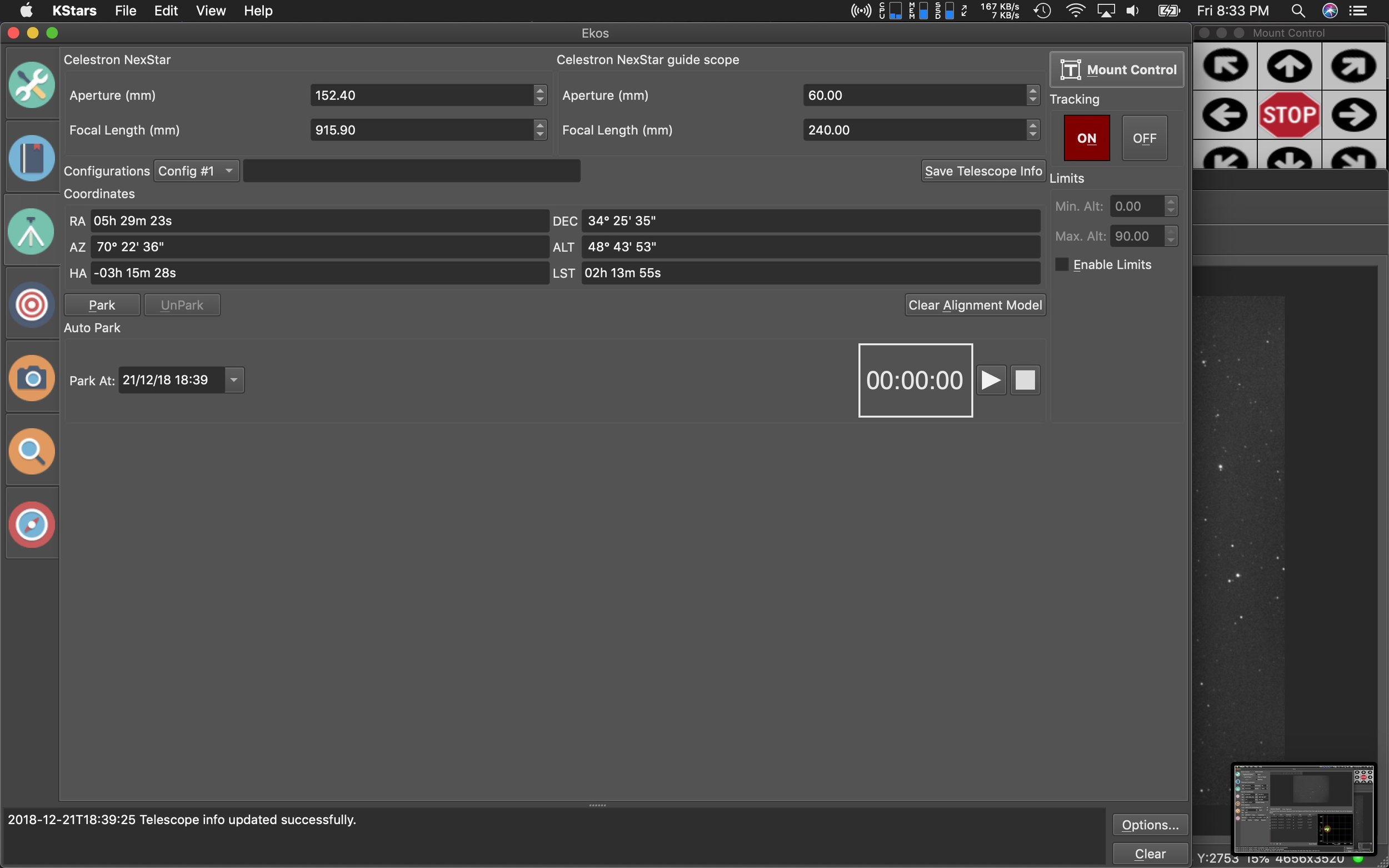
Here’s a few more screens of the rest of the updated interface panels.

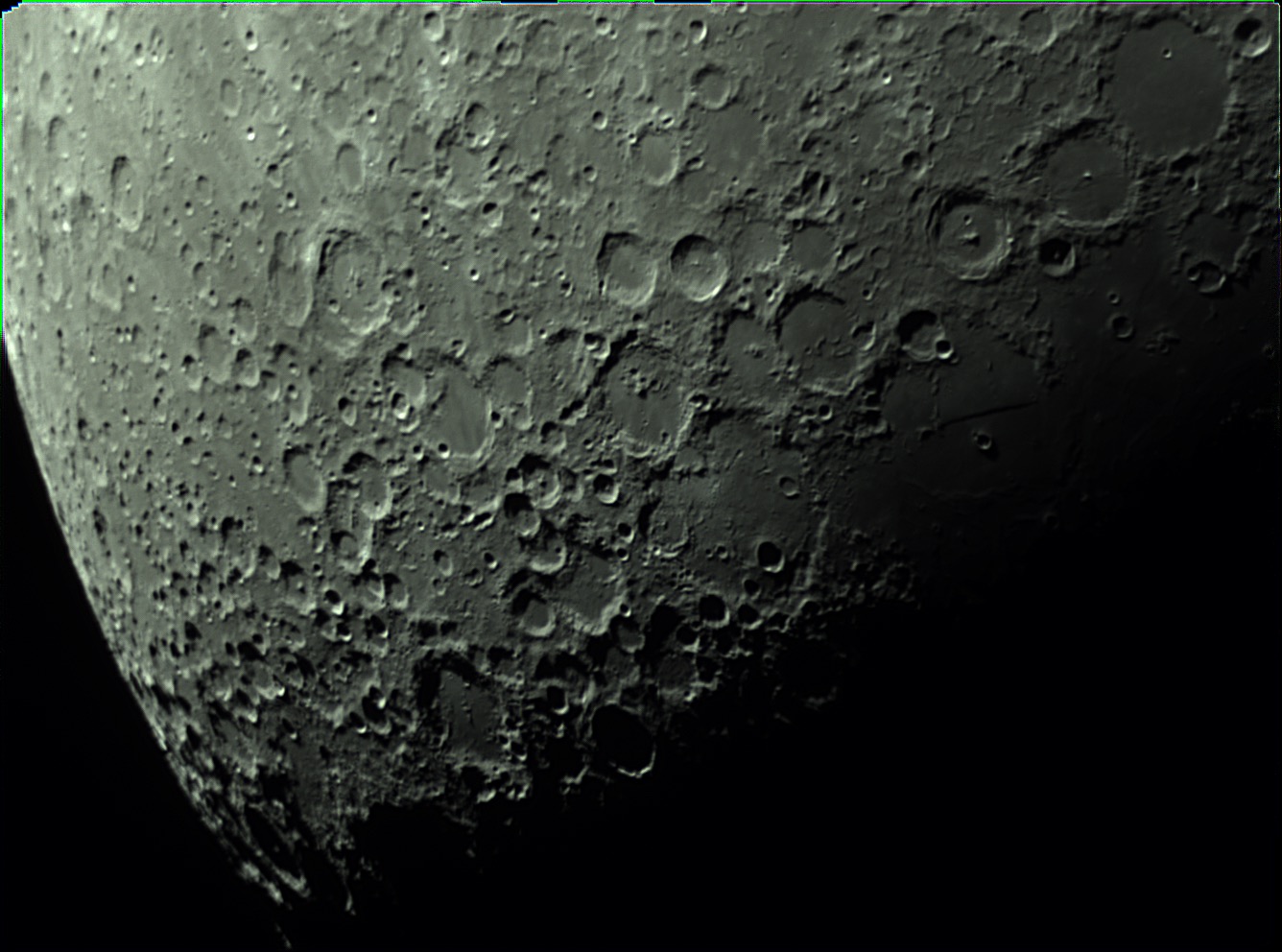
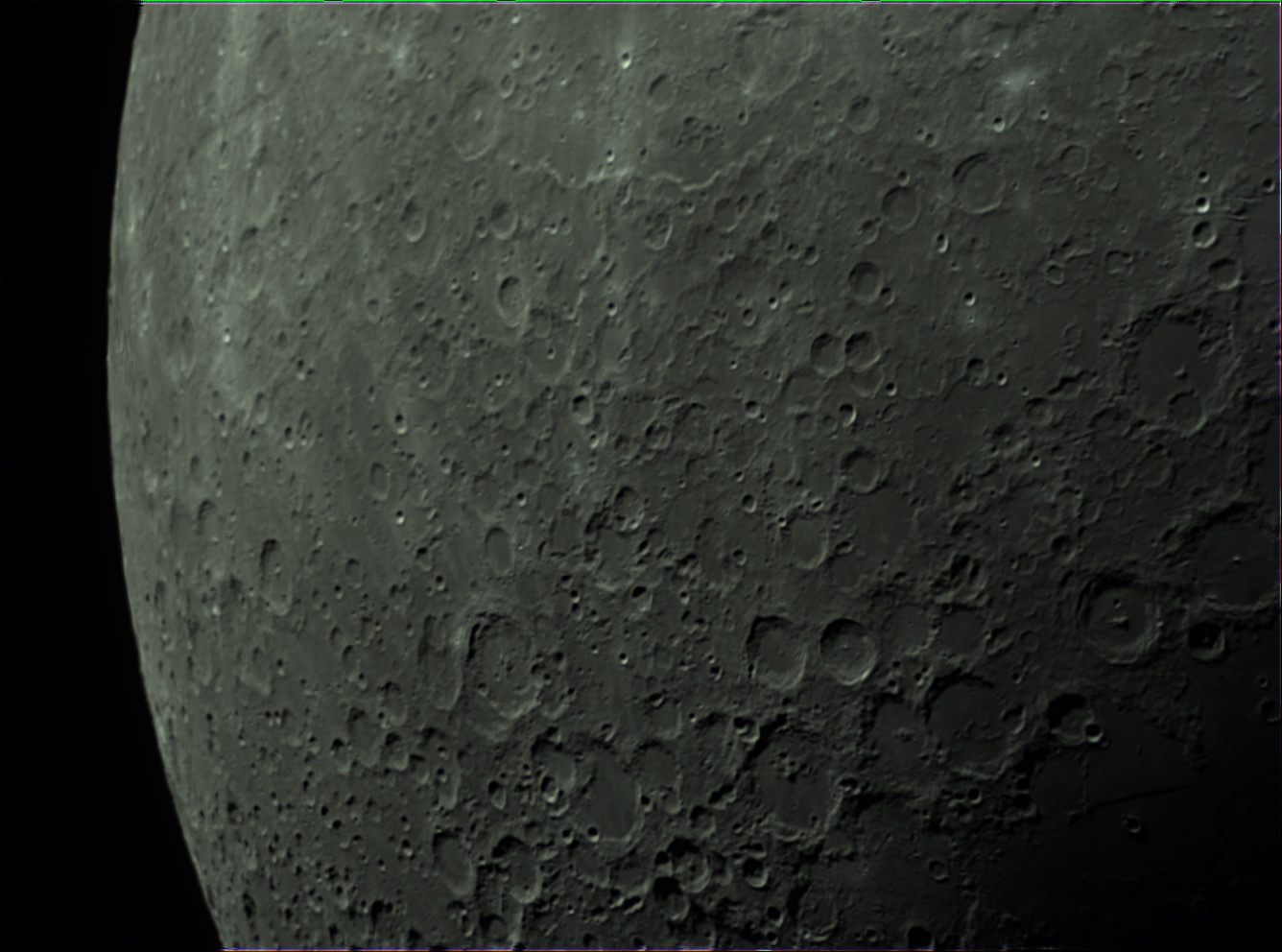
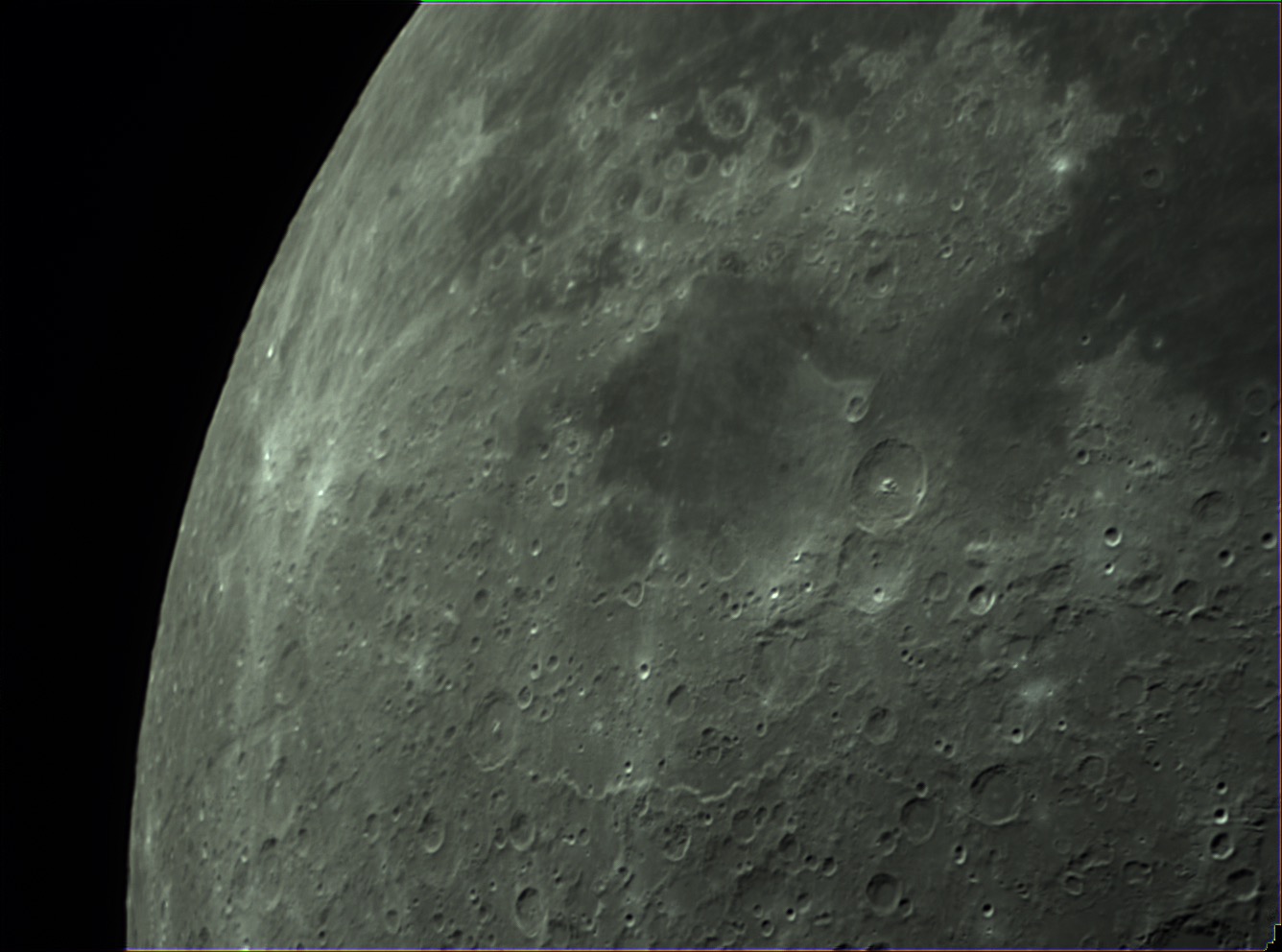
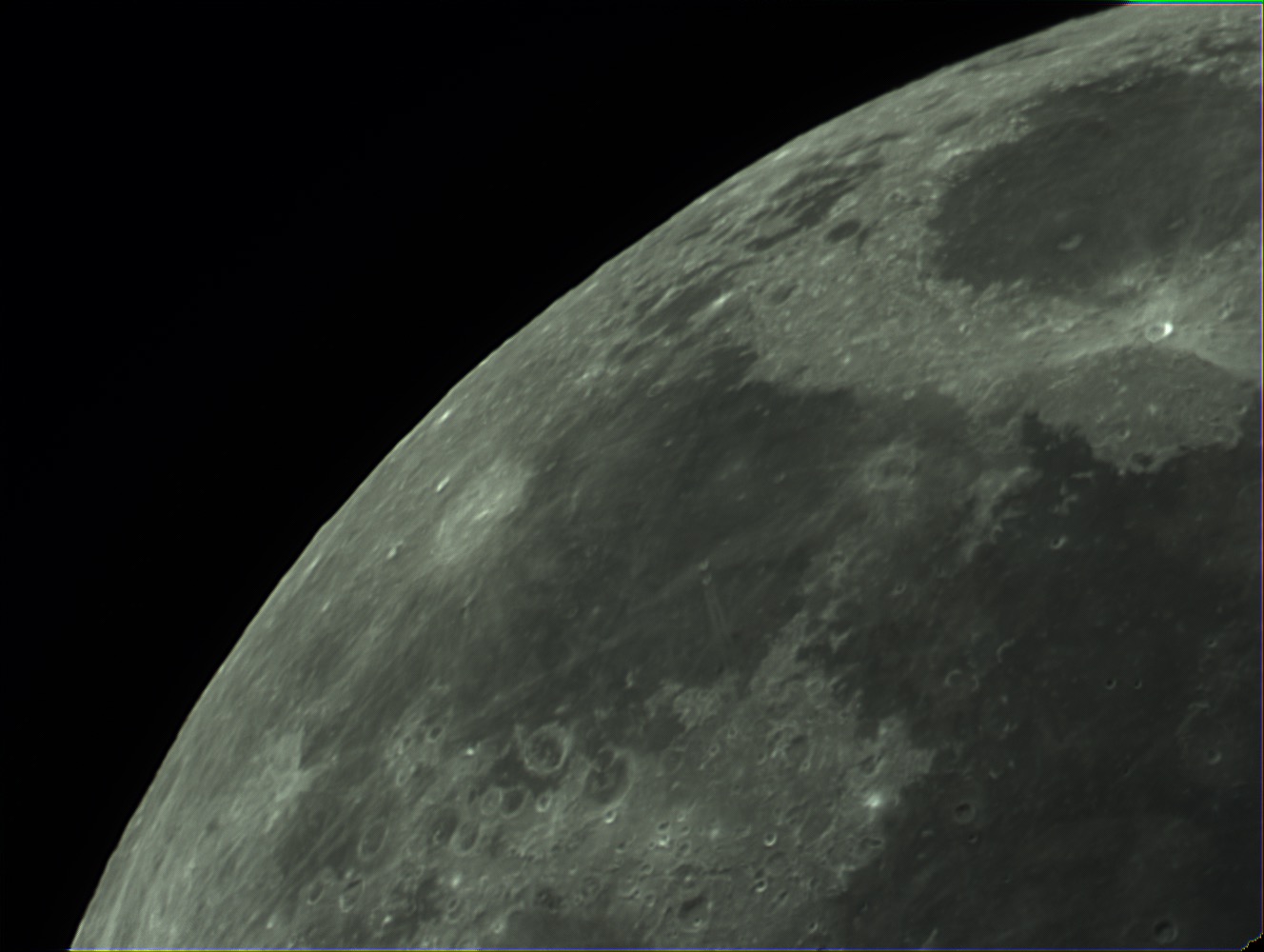
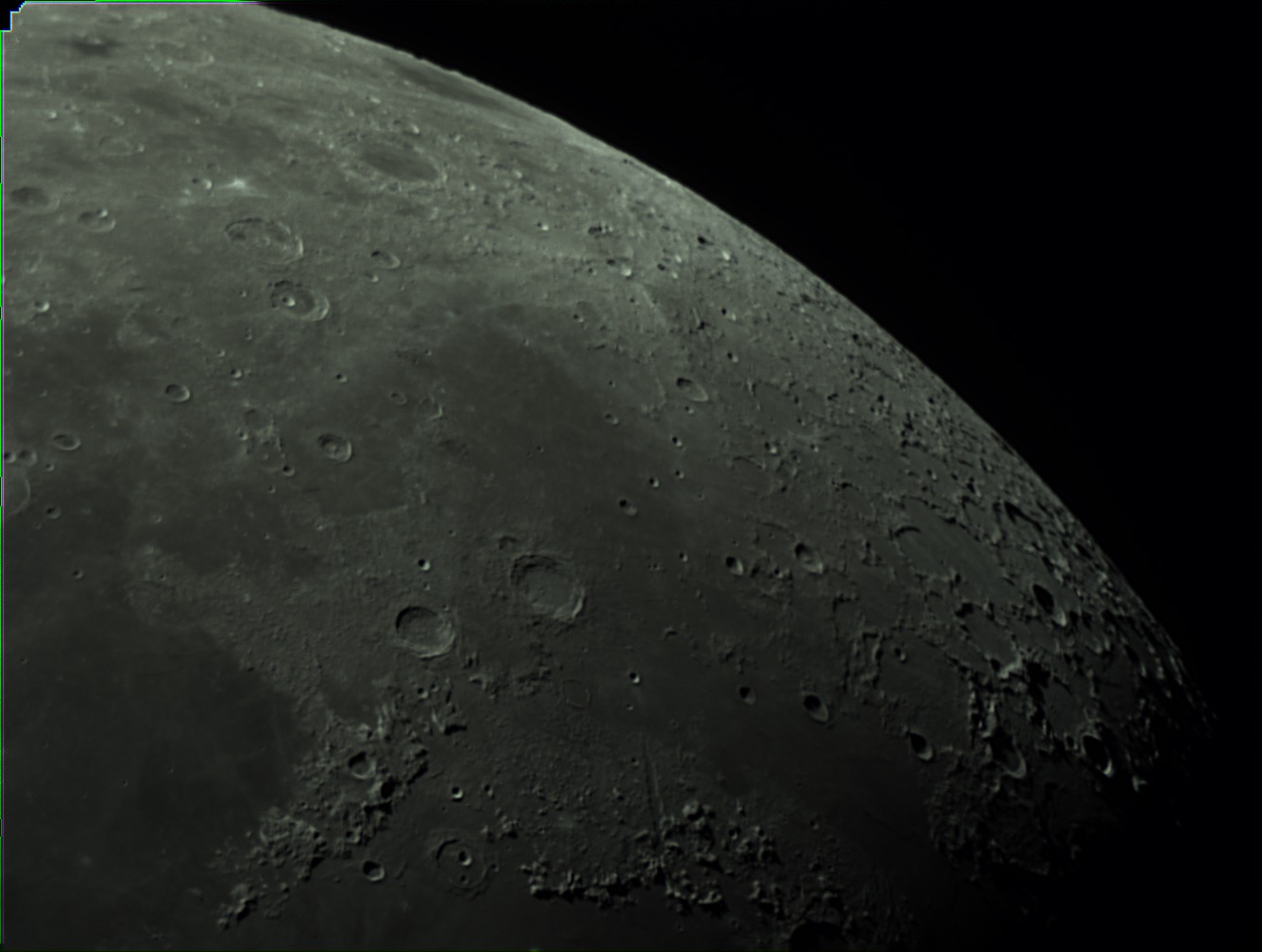
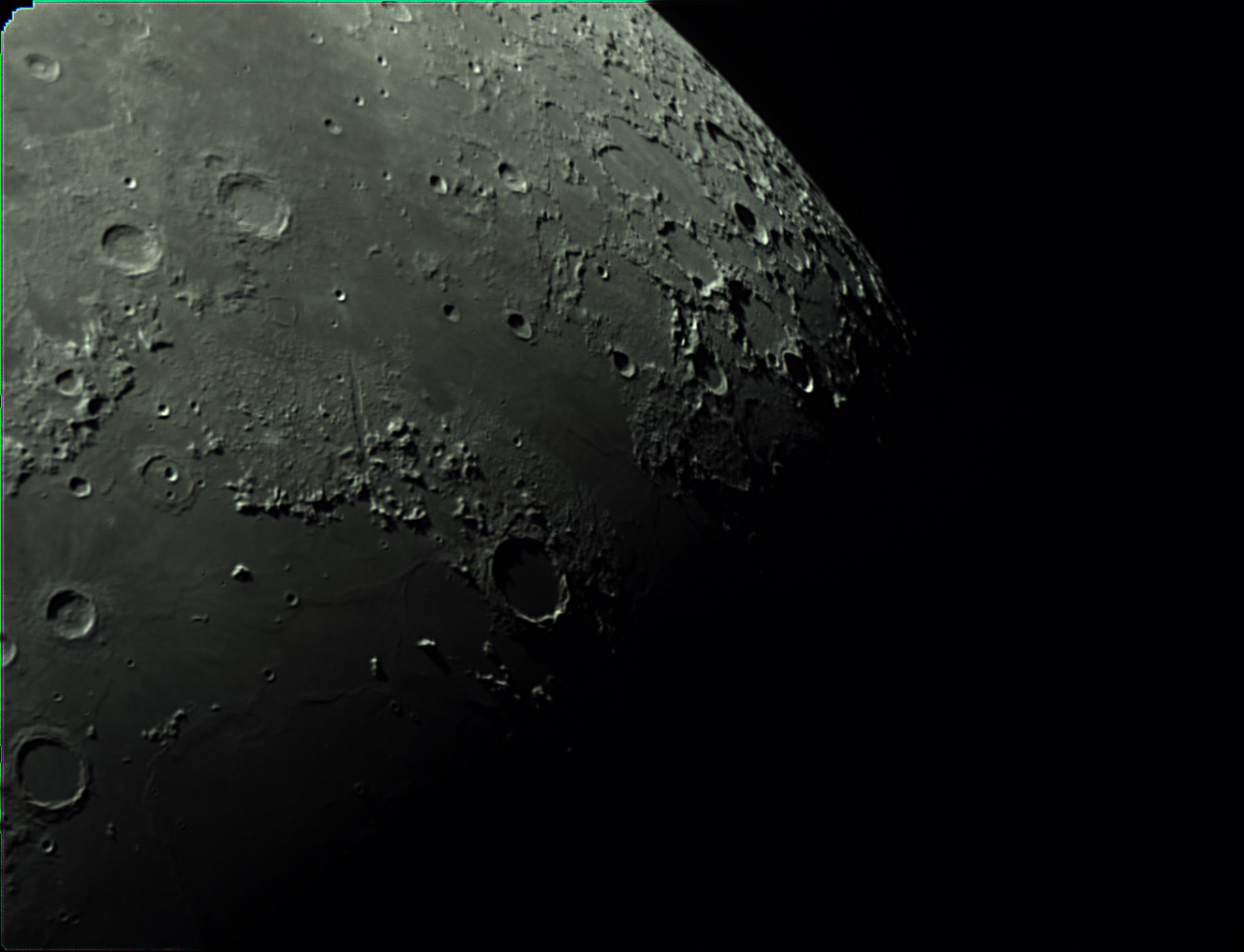
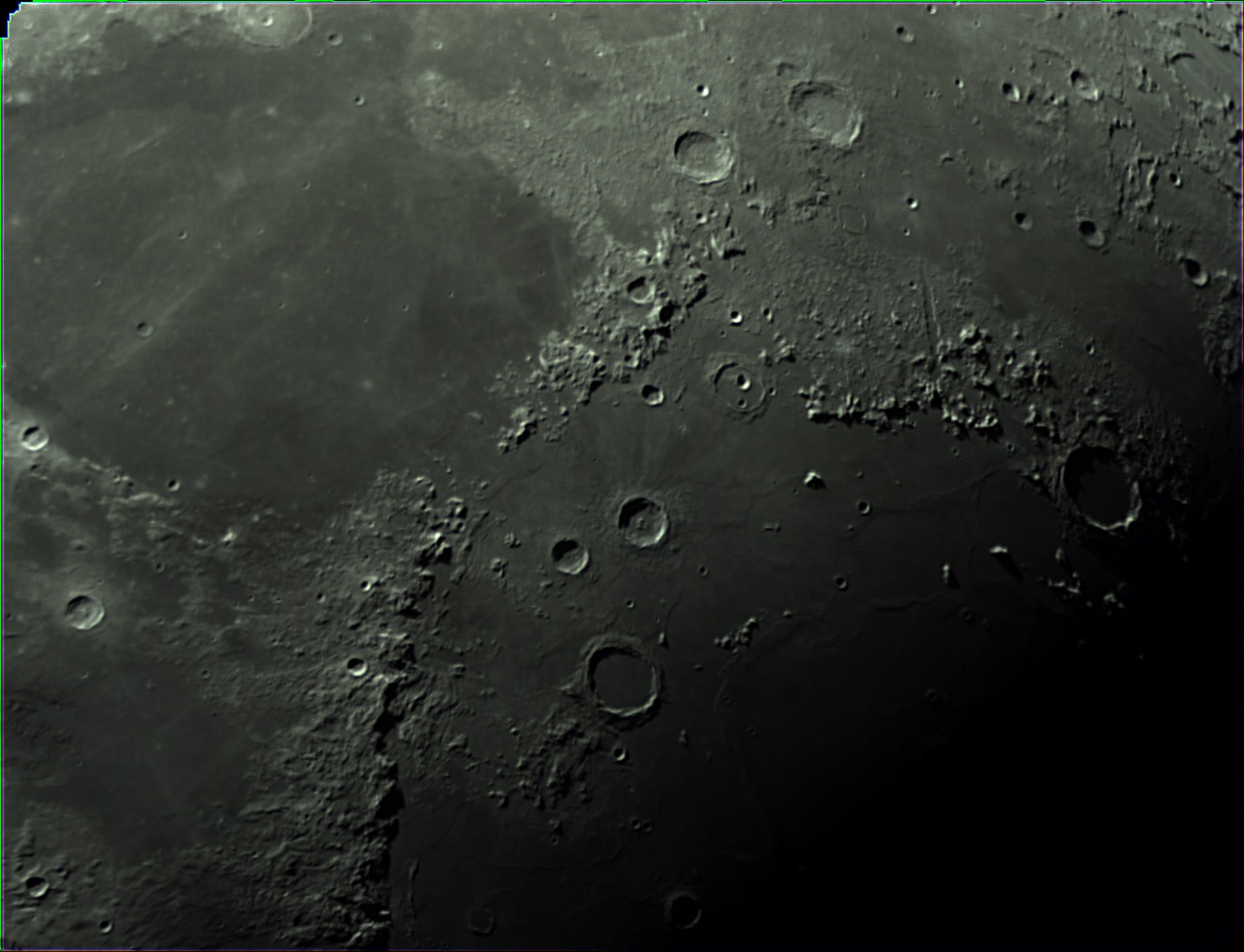
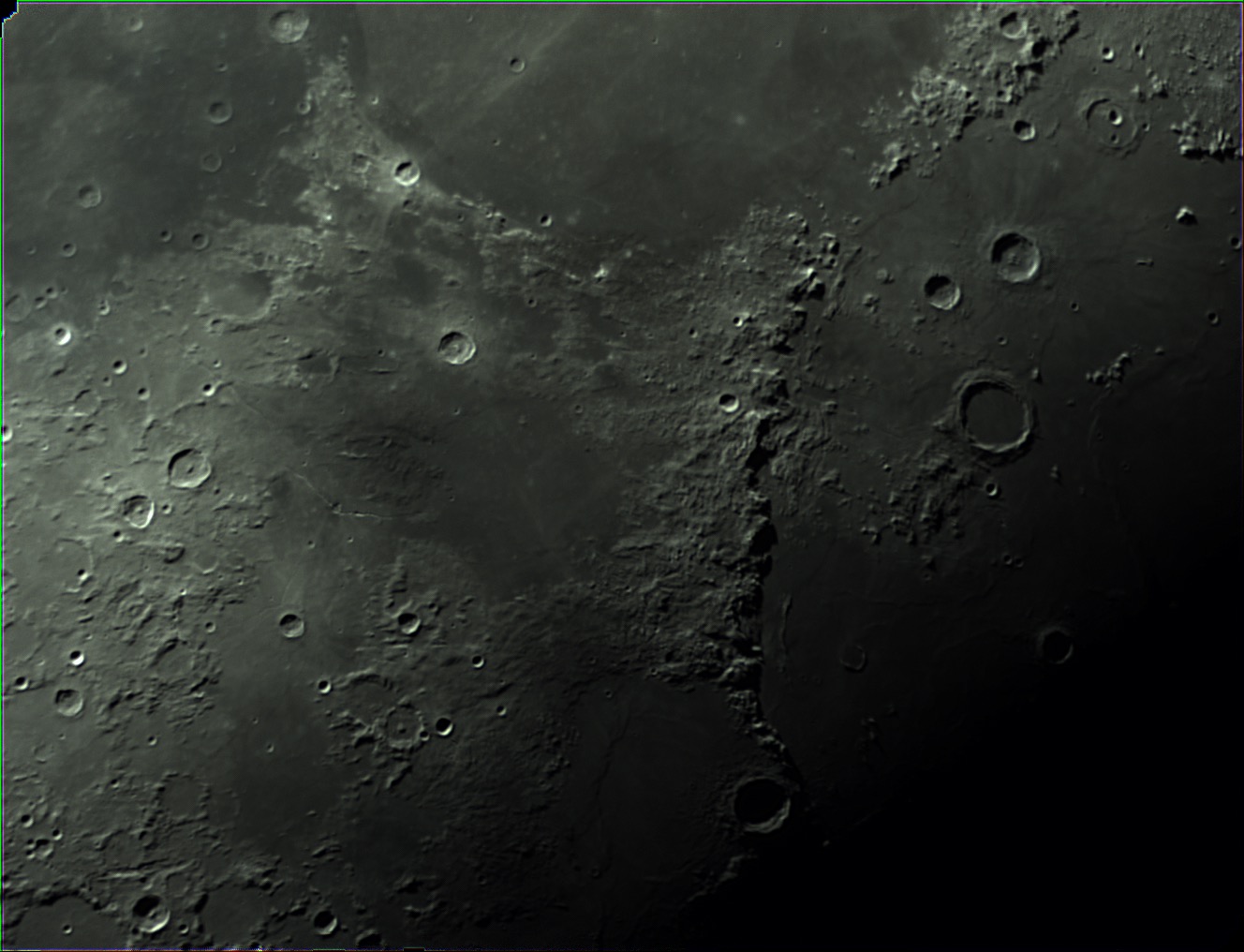
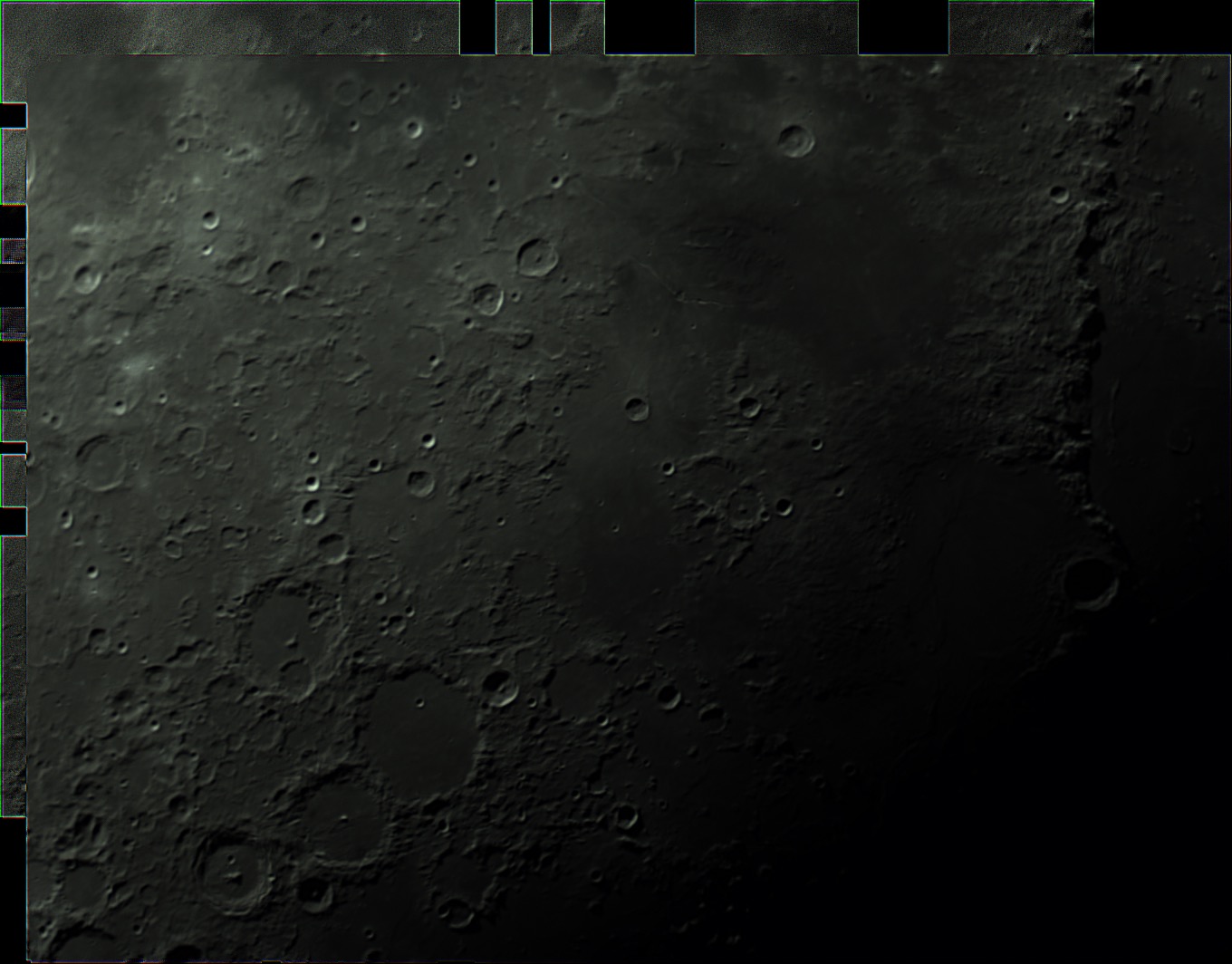
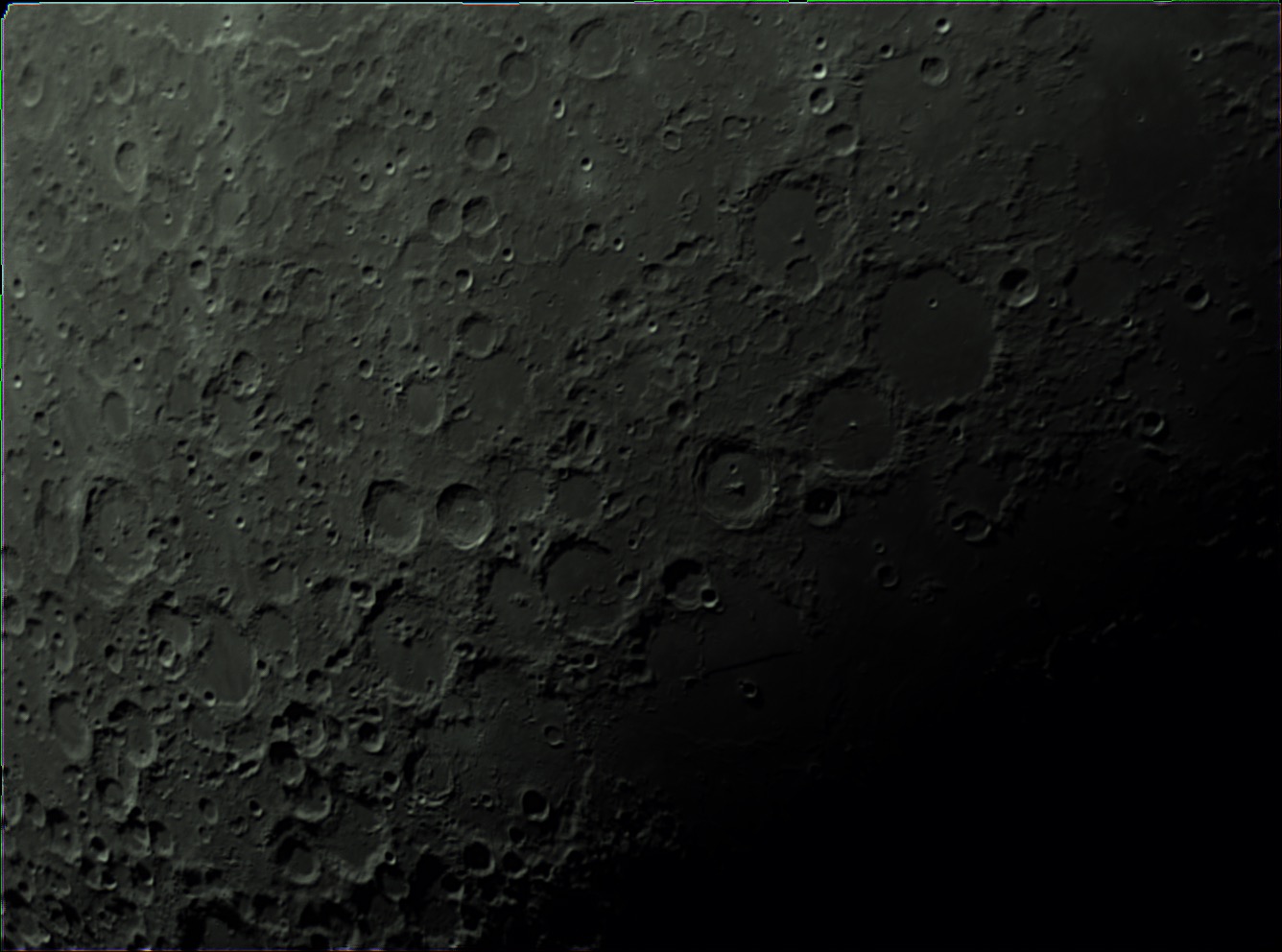
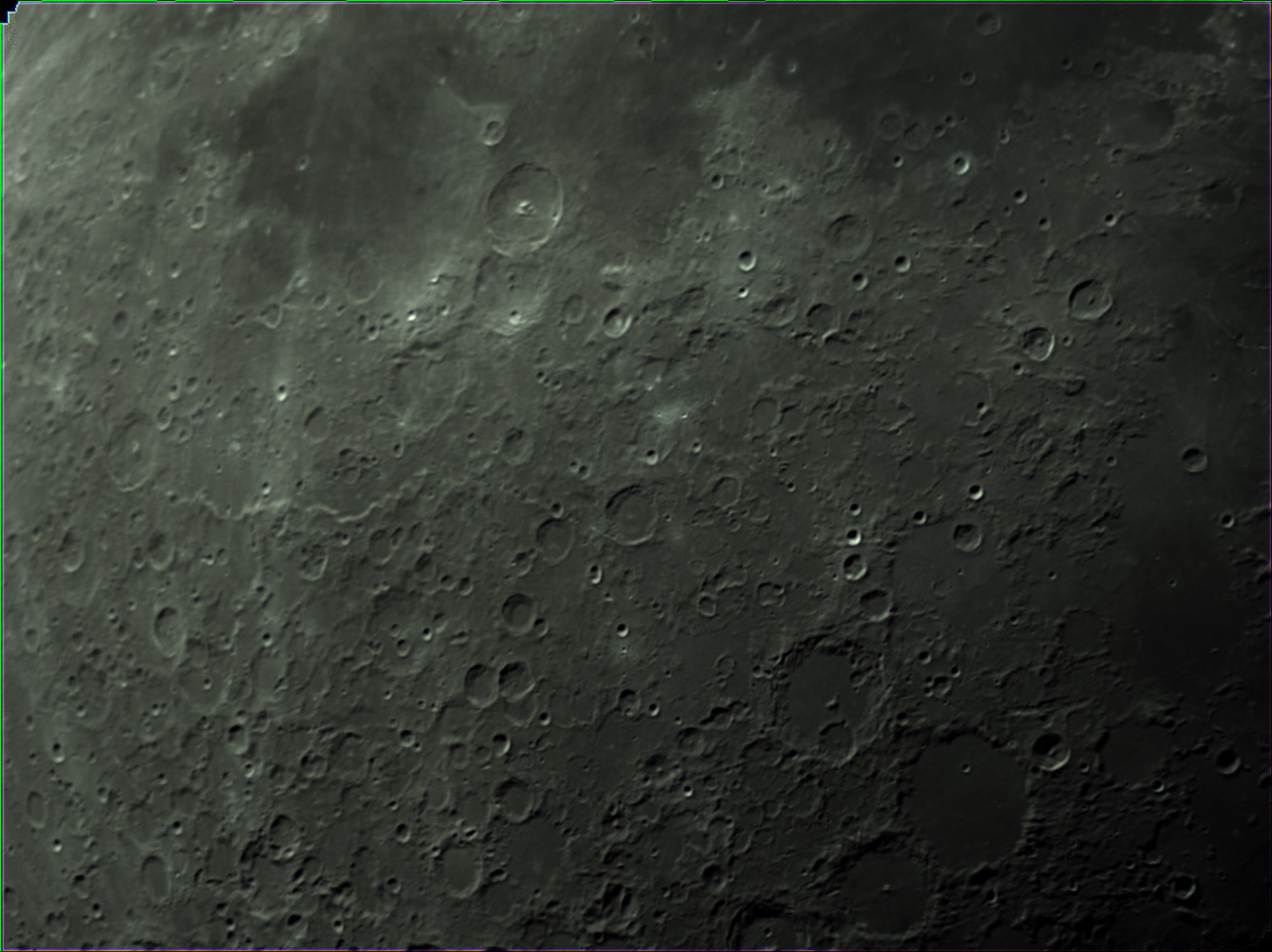
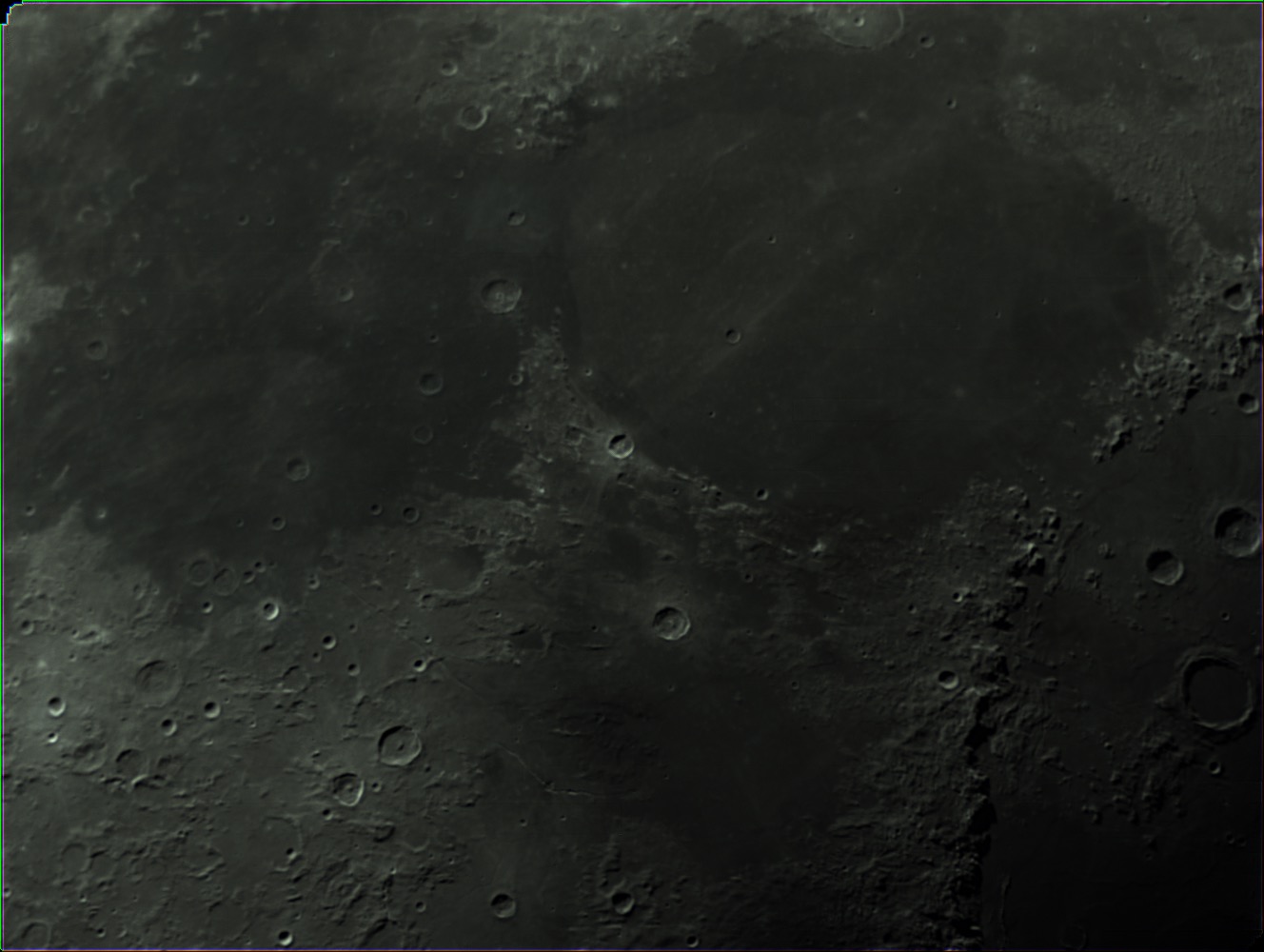
Yesterday, I had a few hours of clear sky, and got out my AVX along with my Celestron C5, and ZWO ASI224MC camera. I was determined to get a few shots of the moon. I initially tried a Powermate 2.5x, but the seeing just wasn’t there. I ended up shooting everything at prime focal length 1250mm.
I used Planetary Imager on the Mac to capture everything, then merged them all together in Photoshop using it’s photo merge feature.
Below you can see the individual frames that make up each part of the mosaic.

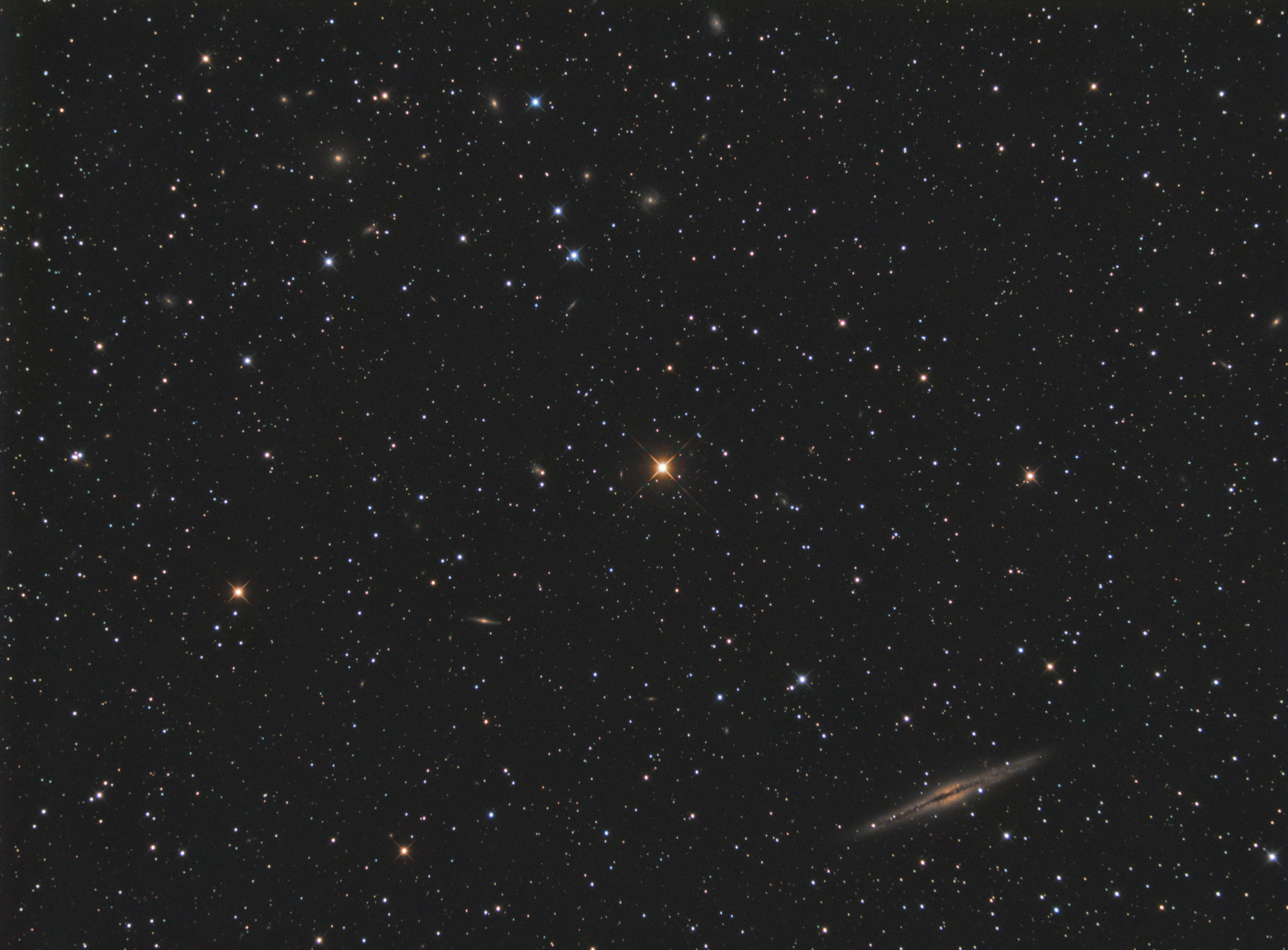
I managed to produce a neat image over the last two nights. I centered the star HD14771 to place NGC 891 in the lower right and a galaxy cluster in the upper left. After two nights of imaging, I had around 13 hours. I placed it all together today. Turns out that the galaxy cluster was only a few of the total galaxies in this image. In all, there are 79.
Captured in EKOS/Kstars
Integrated with slight processing in Astro Pixel Processor
Completed processing in PixInsight and Photoshop
Overlay done in Observatory
Equipment used and shown in photo:
Imaging telescope or lens:Astro-Tech AT6RC
Imaging camera:ZWO ASI1600MM-Cool
Mount:Celestron Advanced VX
Guiding telescope or lens:Orion 60mm Guide Scope
Guiding camera:ZWO ASI224MC
Focal reducer:Astro-Physics CCDT67
Software:Astro Pixel Processor
Filters:Astrodon Tru-Balance Blue E-Series Gen 2 31mm, Astrodon Tru-Balance Green E-Series Gen 2 31mm, Astrodon Tru-Balance Red E-Series Gen 2 31mm, Astrodon Tru-Balance Luminance E-Series Gen 2 31mm
Accessory:MoonLite CSL 2.5" Focuser with High Res Stepper Motor

In this overlay, done in Observatory on the Mac, you can see all 79 galaxies highlighted.

Here’s the scope that took the image. The AT6RC with CCDT67 reducer and ZWO ASI1600MM-C camera.

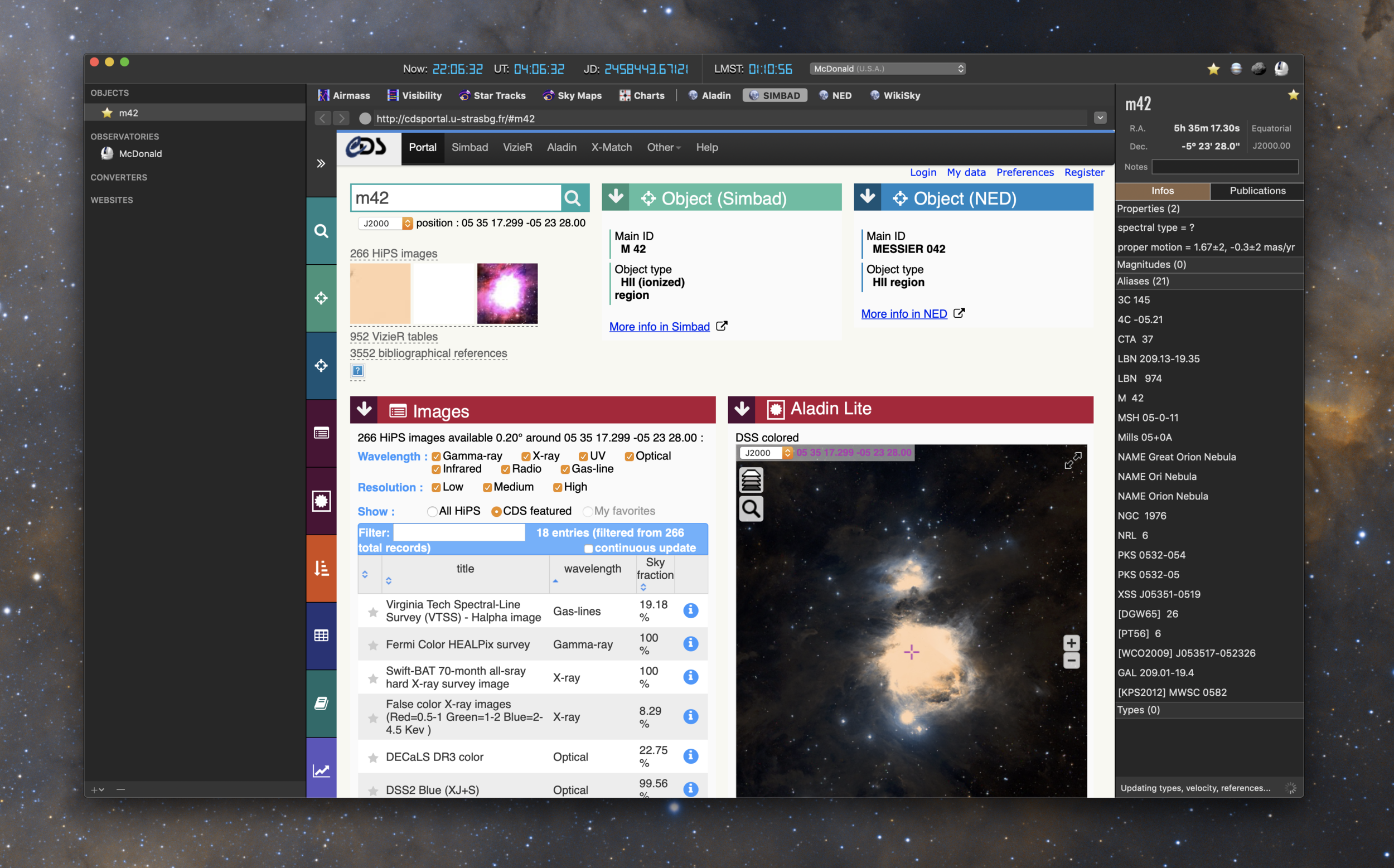
A little over a year ago, iObserve saw its last update. The developer (Cedric Follmi) had put the Mac iObserve application on hold to devote time to an online only web version over at arcsecond.io. But after a year or so of developing efforts on the website, he put up a poll online asking users what development path they would like to see going forward. Continue the website? Update the Mac app to be compatible with Mojave? Make an even better Mac app longer term? Given those choices, people voted, and now there’s a new Mac application.
Added full support for macOS 10.14 Mojave with a complete update of the app internals (especially about network requests and dates).
Dropped support for all macOS versions before High Sierra (10.13).
Mojave Dark Mode
Suppressed the large title bar to adopt a more modern and compact look .
Suppressed the ability to submit new observatories by email, and explain that Arcsecond.io is the new home for observatories.
Fixed the failing downloads of the sky preview image (available when clicking the icon to the right of the object name in the right-hand pane).
Fixed an issue that prevented the app to complete the import of a Small Body.
Fixed an issue that prevented the user to select a Small Body in the list when multiple ones are found for a given name.
Fixed the failing downloads of 2MASS finding charts.
Fixed various stability issues.
Get the latest version directly from the Mac App Store.

I managed to get a few clear nights last week. Just two in fact. So, knowing I had only two nights to image, I focused on getting another bi-color nebula image. My earlier Pacman nebula imaging attempt was at F9 on my RC with a one shot color camera. It didn’t quite come out with the detail I could achieve on this particular image.
This one was imaged on my Explore Scientific 102mm FCD-100 scope. I captured about 8 hours per filter (Astrodon 5nm HA, and OIII) using the ZWO ASI1600MM-C camera using the EKOS imaging platform on the Mac.
I did the initial image integration and calibration with Astro Pixel Processor, then took each final filter’s image HA and OIII into PixInsight for final processing. In PixInsight, I processed each image to maximize the brightness and contrast of the nebula without destroying the stars. I tried a pixel math combination into RGB with the goal of keeping the nebula as natural looking as possible with good star colors. I find that the following combination is good for that R=HA, G=OIIIx.6+HA*x.4, with B=OIII. I think the final image turned out great.
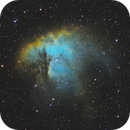
UPDATE: I added some SII data now, for a new pallet based on the Hubble coloring. This new image is a total of 24 hours of data.